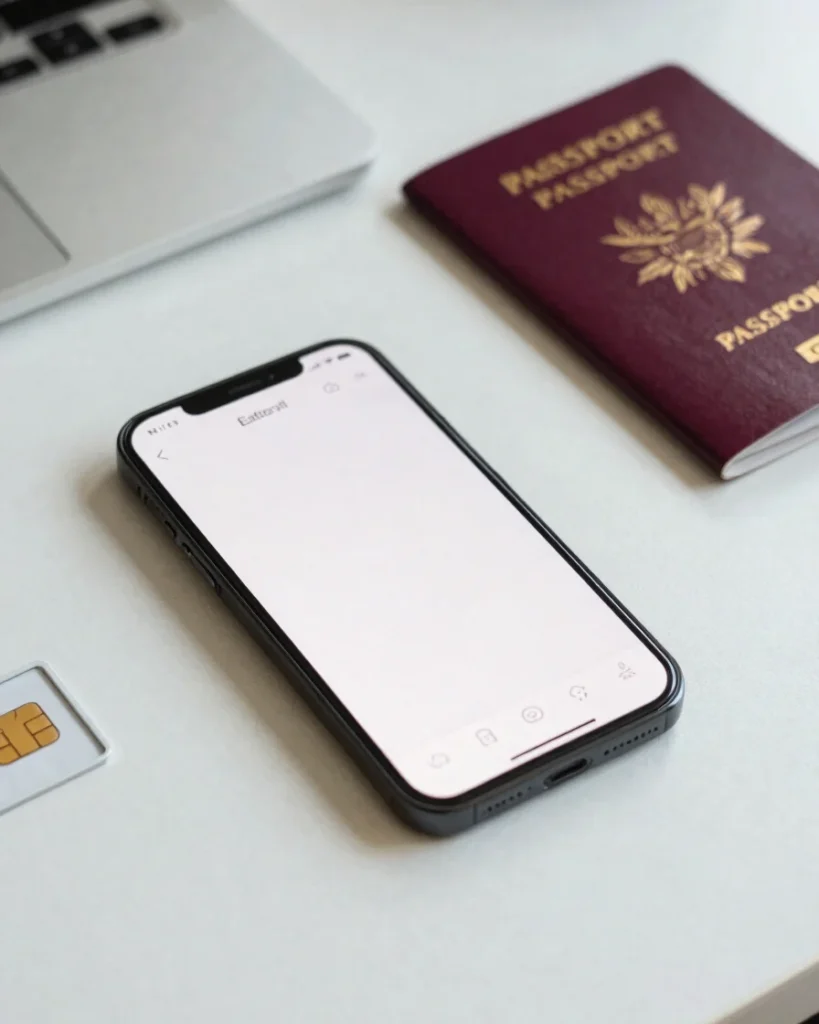
Choose a destination package, add the eSIM or SIM, and enable data on arrival. Setup is done before you leave, so you can connect as soon as you land.
The process
From checkout to connected
01
Choose your package
Select your destination and the data allowance that fits your trip. Plans are listed by destination, so you can compare options before you buy.
02
Receive your SIM or eSIM
eSIM QR codes are delivered instantly by email. Physical SIMs are shipped by mail. Keep the QR code or SIM ready for setup.
03
Enable data on arrival
Install the eSIM or insert the SIM, turn on data roaming for the new line, and connect through the available local network partner.
Before you travel
Check your device first
Your phone needs to be unlocked from its original carrier to use an international SIM or eSIM. Confirm this before you depart so setup is quick on arrival.
Keep your home SIM active for calls and texts if you need it. On dual-SIM phones, set the OneDataSim line for data and leave voice on your primary line. Download your eSIM QR code and save a copy offline before you leave.